Products & Catalog
Overview
Add products, organize categories, set up options and variants, combos and add-ons, prices and stock.
13 articles
-
Organize by category
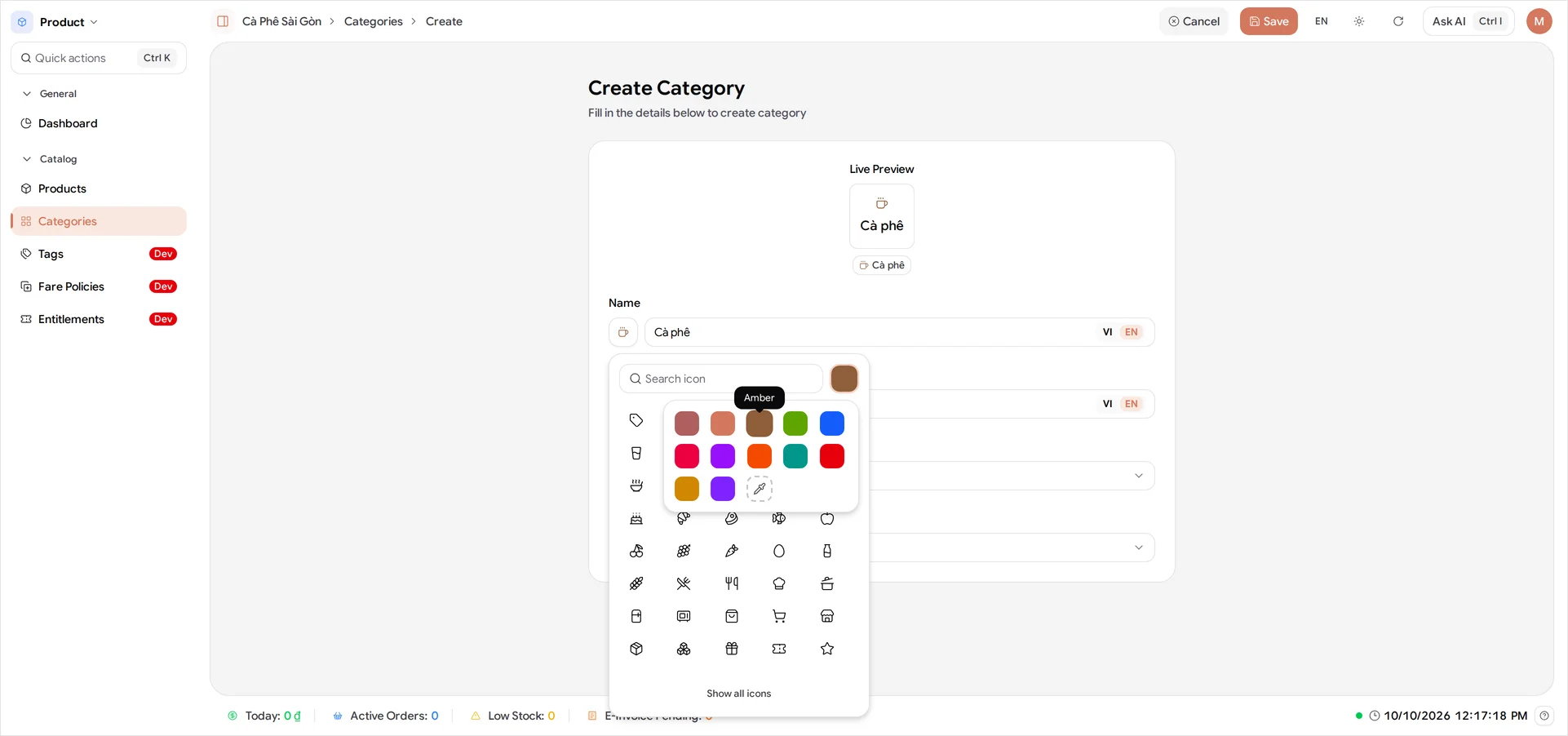
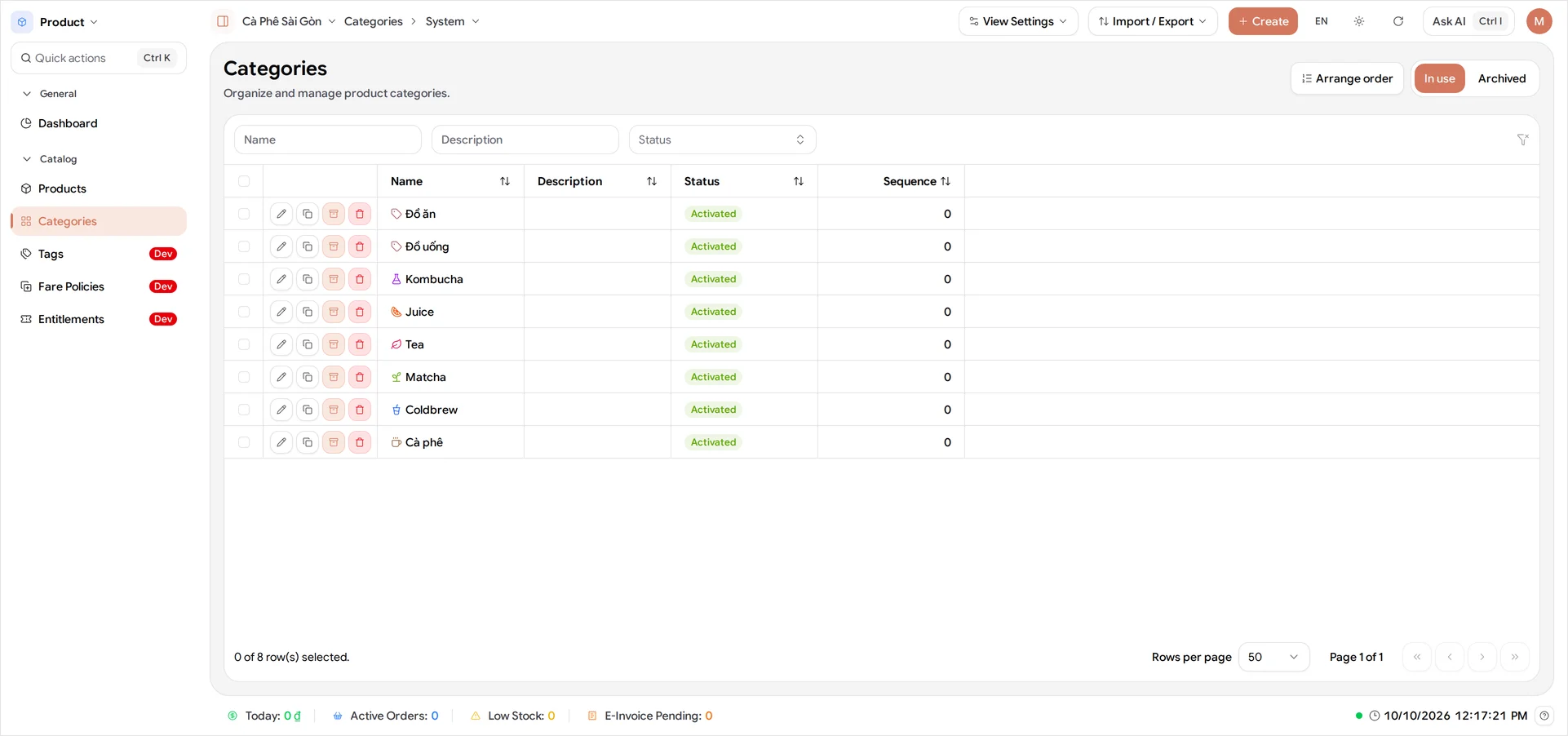
Group your products into categories and give the ones your staff use an icon, so they find them fast on the till and your sales reports stay meaningful.
Owner Dashboard and POS 5 min read
-
Add your first product
Build a product with three options and price the twelve variants BANA generates for you.
Owner Dashboard 7 min read
-
Complete your product list
Add the rest of your product list the same way you added your first product, filing each drink under two categories so the till and your reports both read well.
Owner Dashboard 5 min read
-
Manage your products
Pause a product you're out of and retire one you've stopped selling, so your product list and the POS always match what you actually sell.
Owner Dashboard 4 min read
-
Set up options and variants
Configure a café drink that varies two ways, give each variant its own price, and turn off a combination you don't sell.
Owner Dashboard 5 min read
-
Manage your prices
Where your product prices live in BANA, how to change one after a product is saved, and the tools that build on top.
Owner Dashboard 3 min read
-
Choose a product type
Compare the three product types BANA offers, pick the one that matches what you sell, and get it right first time - the choice is permanent.
Owner Dashboard 5 min read
-
Create a combo
Put two items you already sell on the menu as one deal at one price, and see what the customer saves before you commit to it.
Owner Dashboard 6 min read
-
Set up add-ons and FBT
Give an extra away with an item, or suggest a second item at a price you choose - both set up on one variant, in the same dialog a combo uses.
Owner Dashboard 7 min read
-
Fix a product that won't sell
Work out why a product you just created is refused at the till, and put it right in the stock list.
Owner Dashboard and POS 6 min read
-
Turn on Allow Oversell
Let an existing product keep selling at a stock of zero, for the made-to-order items you never count.
Owner Dashboard and POS 4 min read
-
Adjust stock quantity
Change the on-hand count for a product that already has one, and understand why Available can be lower than what's on the shelf.
Owner Dashboard and POS 4 min read
-
Product prices explained
What each of the three money fields on a product variant means, which one the customer pays, and which ones you can change later.
Owner Dashboard 3 min read