Point of Sale
Overview
Tills and printers, ringing up and taking payment, finding an order, customers, table bookings and service.
9 articles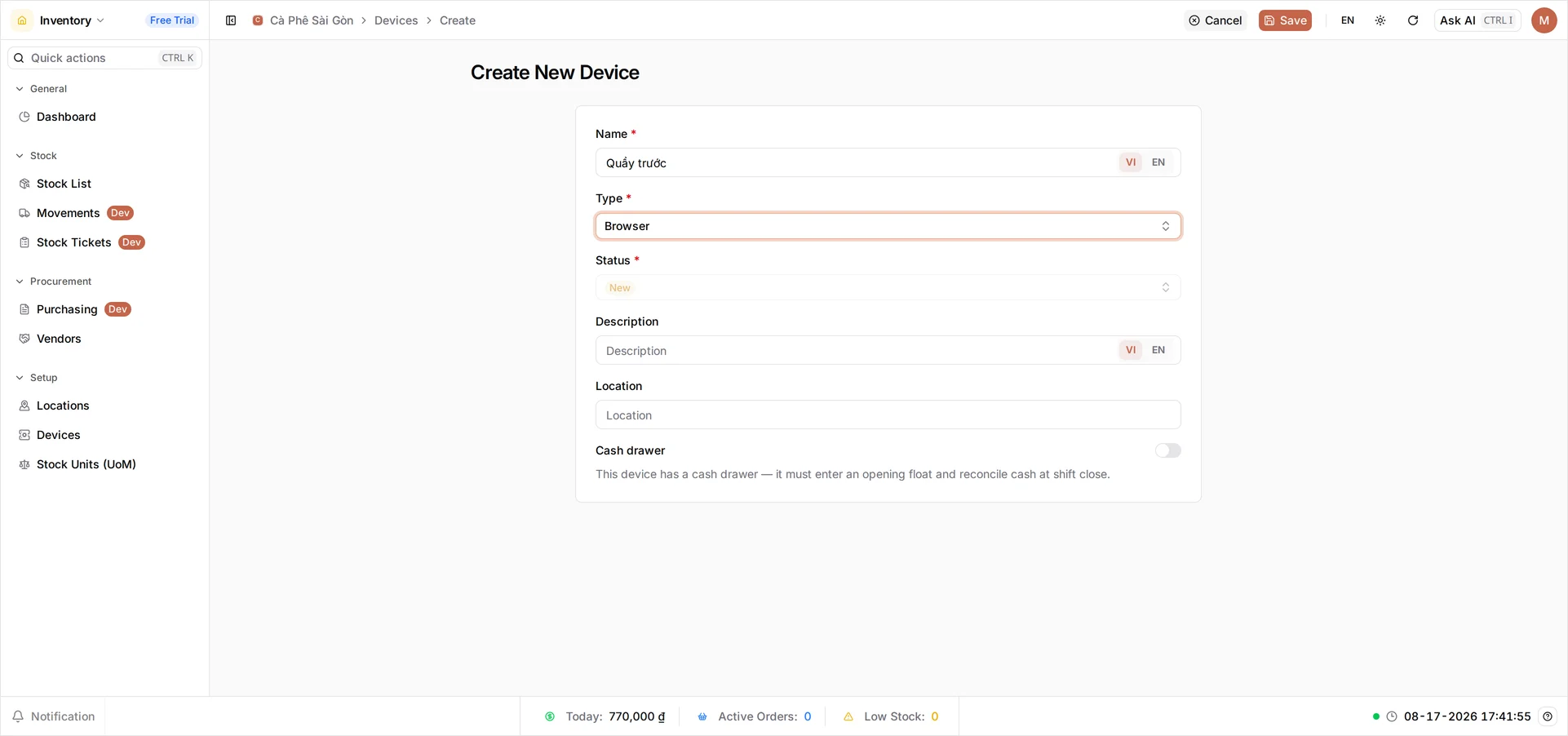
-
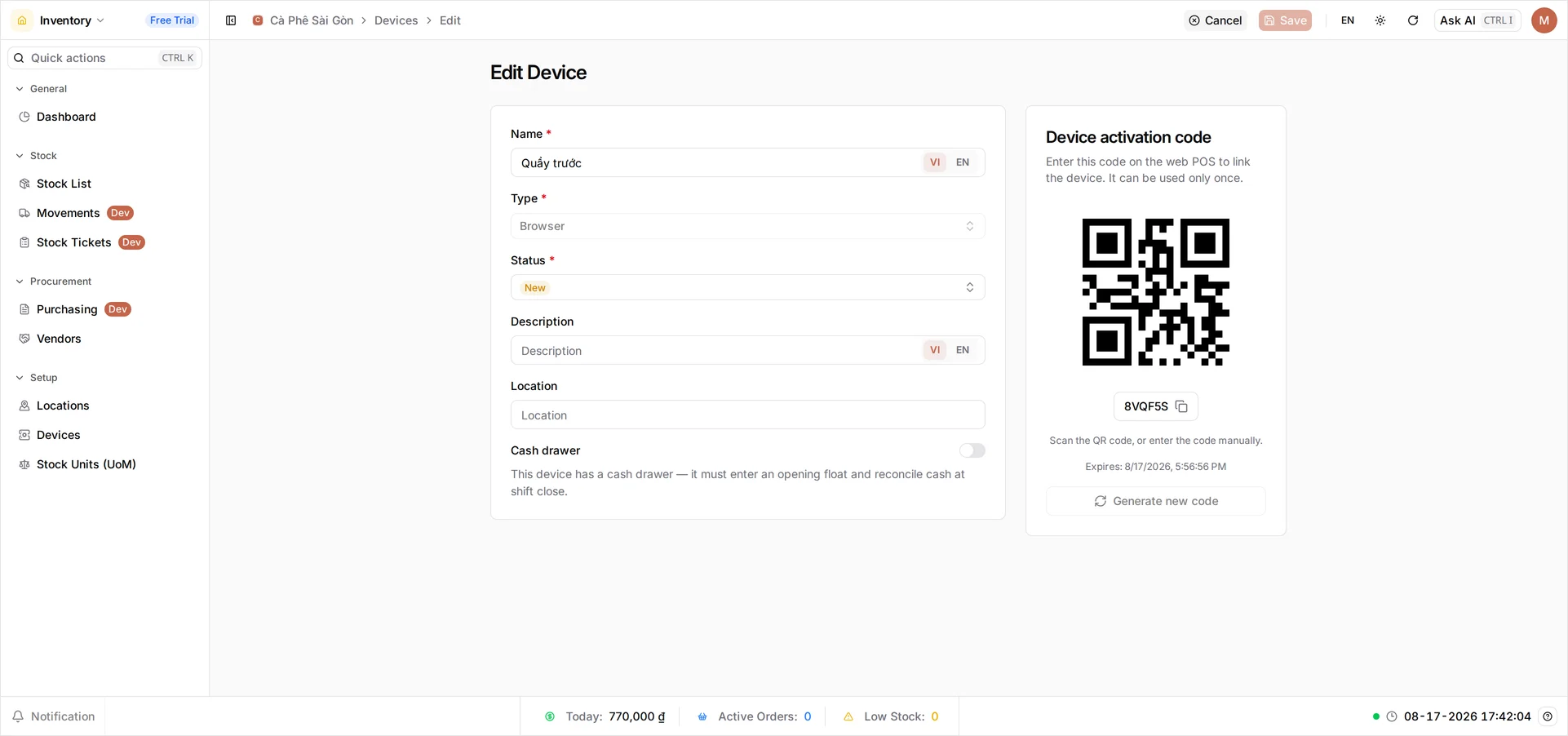
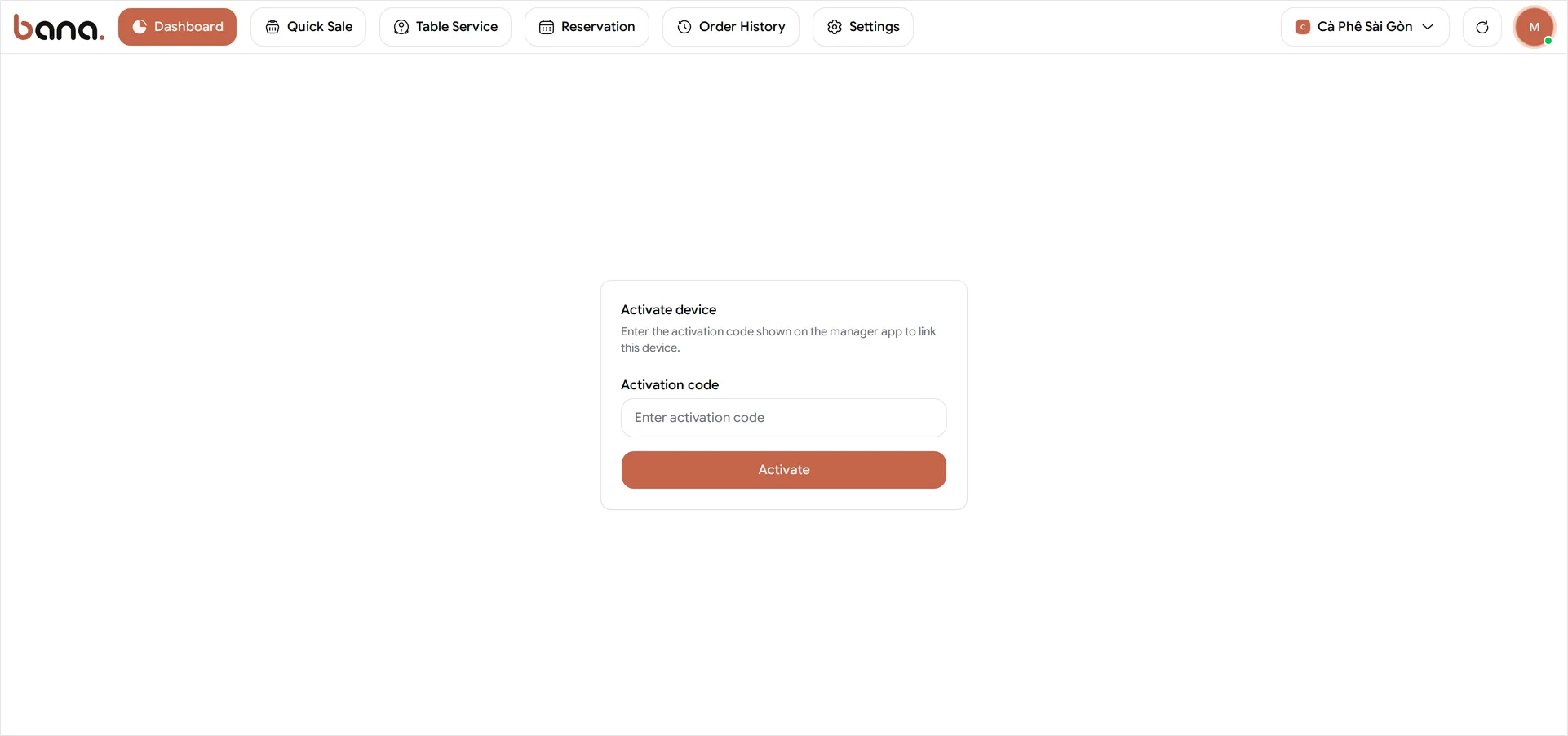
Set up the till and printer
Register your till as a device, activate it with a code, then connect a receipt printer so you can start selling.
Owner Dashboard and POS 5 min read
-
Make your first sale
Open BANA Sale, find products by their category tab, take cash, and finish your first sale.
Staff POS 4 min read
-
Look up an order
Find any sale the till has rung up, see what was in it and what it came to, and follow it through to the payment.
Owner Dashboard 6 min read
-
Add a customer to an order
Put a name on an order at the till, and keep your customer list tidy from the dashboard.
Staff Dashboard and POS 3 min read
-
Set up your floor plan
Build rooms and tables in the dashboard so bookings and orders have a real table to land on.
Owner Dashboard 4 min read
-
Take a reservation
Take a booking in BANA Sale, see it on the room plan, and check the guest in when they arrive.
Staff POS 5 min read
-
Serve a table
Open a table's order, send each round to the kitchen, and read the room while it cooks.
Staff POS 5 min read
-
Settle the bill and clear the table
Check a table out, take payment by cash, bank or QR, print the bill, and free the table.
Staff POS 6 min read
-
Sell an add-on or FBT at the till
A free extra lands by itself, a suggested pairing takes one tap: how both show up in BANA Sale and how the cart records them.
Staff POS 2 min read